
Online booking
Share links, tune languages and policy, and run the public booking experience after go-live.
- 8 guides
- Reviewed regularly
Start here
Share online booking links
Copy Public profile and Direct booking from Settings → General → Public links and share them after go-live.
Set booking policy
Configure Cancellation window and Buffer time under Settings → General → Booking Policy.
Customize the public booking page
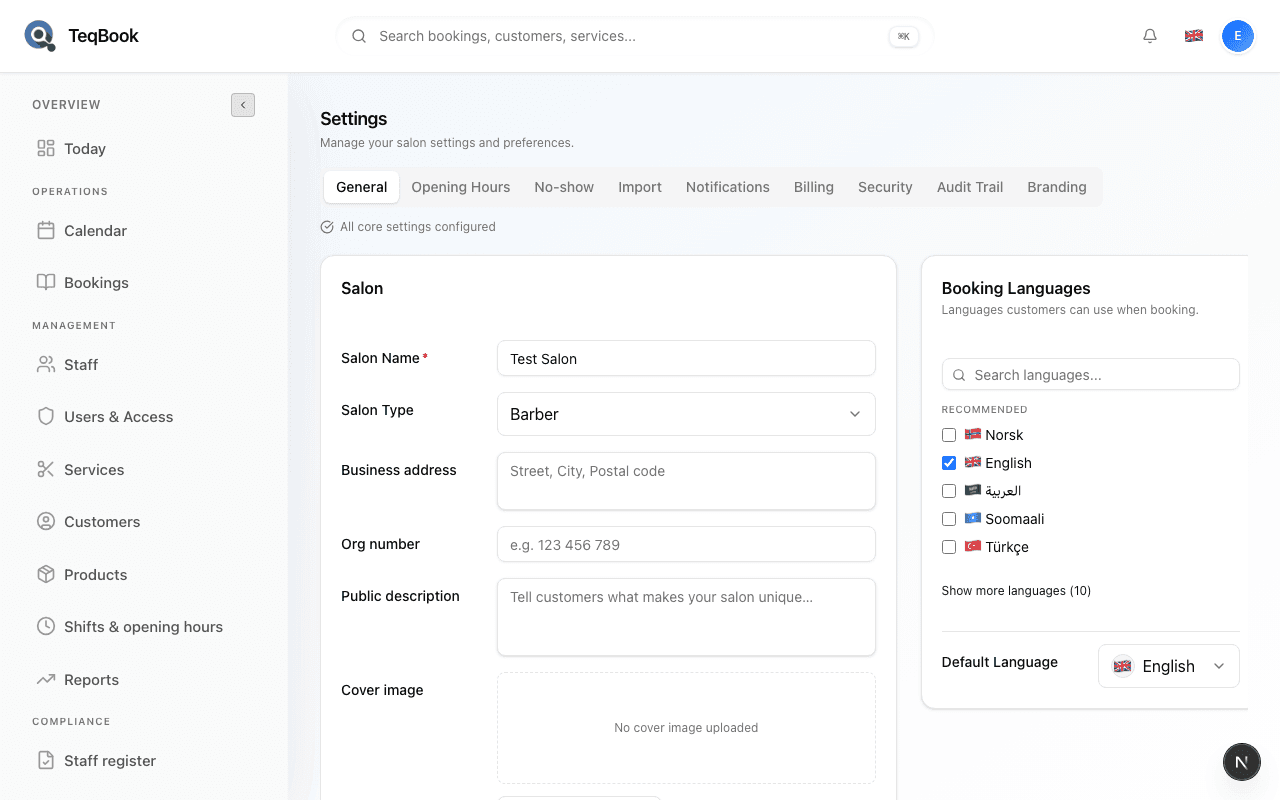
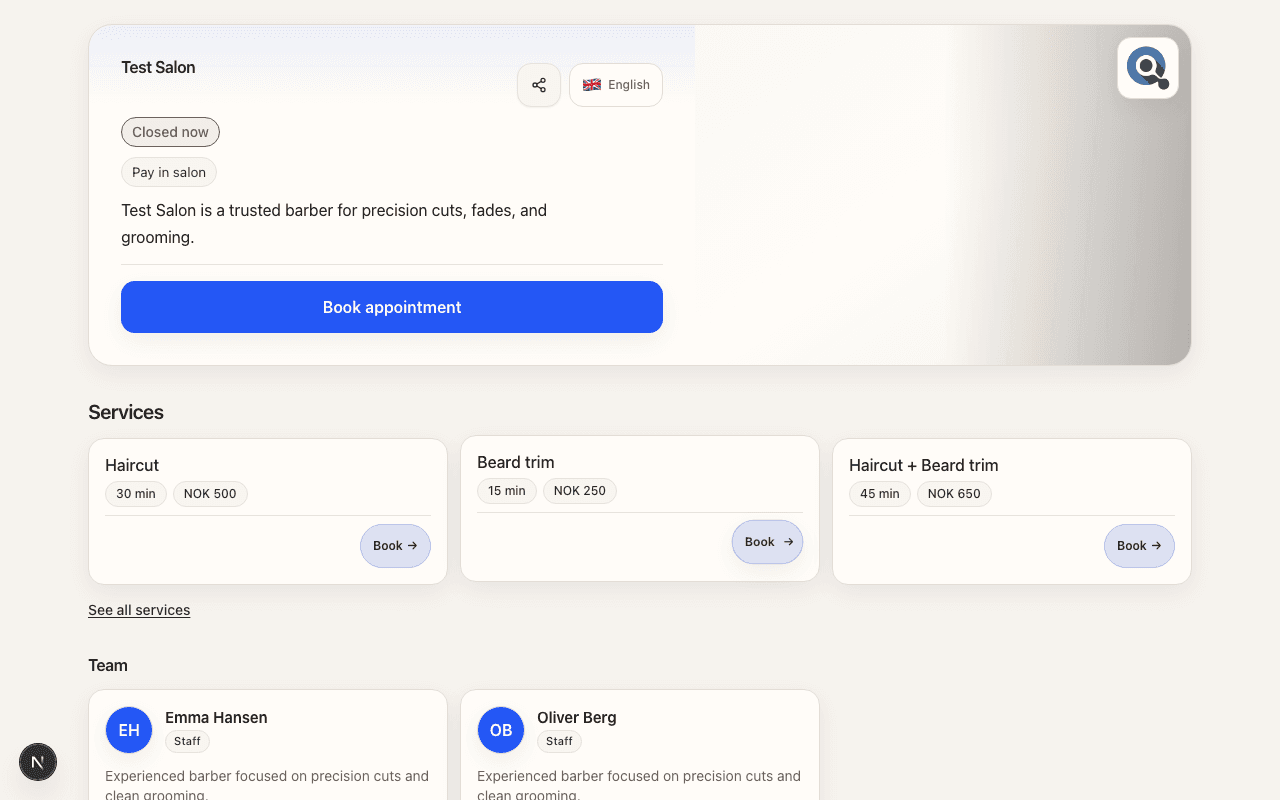
Update salon-level cover and contact so the public page matches how you present your salon.
Share & booker journey
2 guides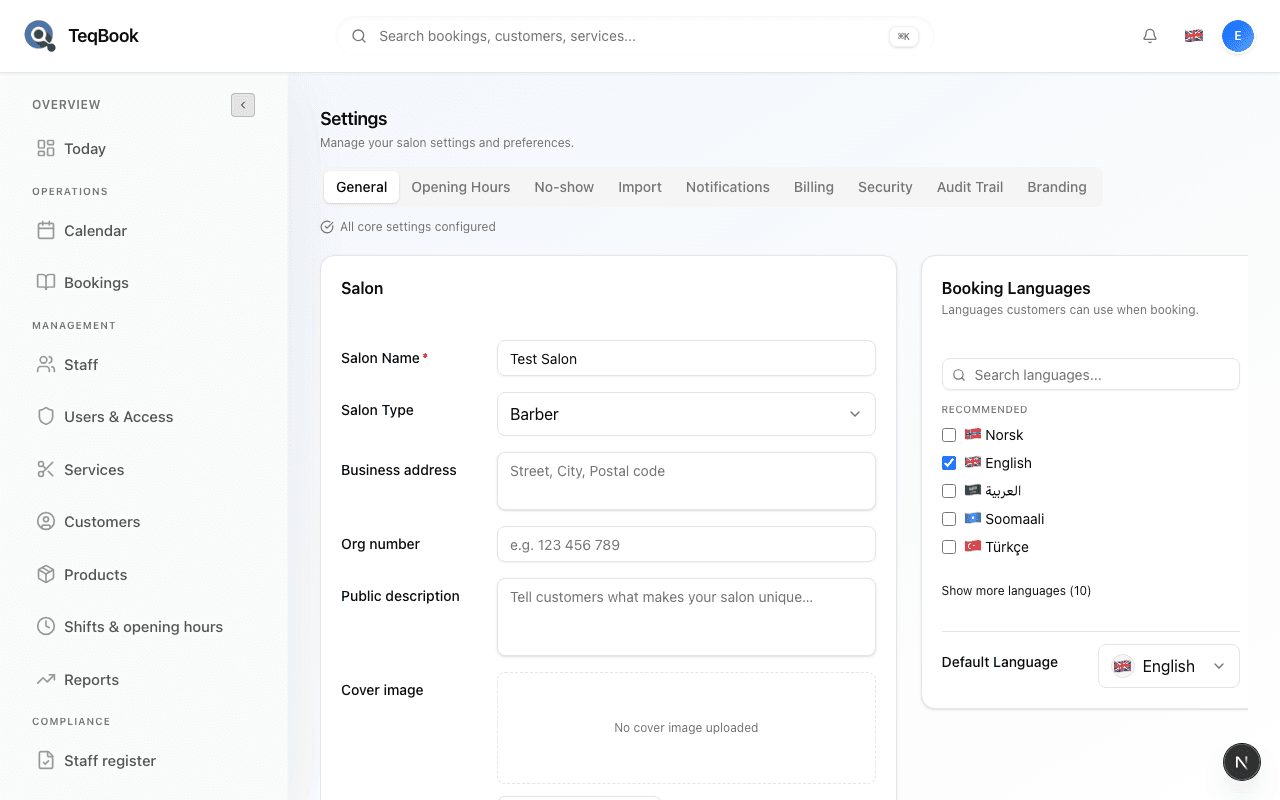
Share online booking links
Copy Public profile and Direct booking from Settings → General → Public links and share them after go-live.
3 min · Updated Jul 22, 2026
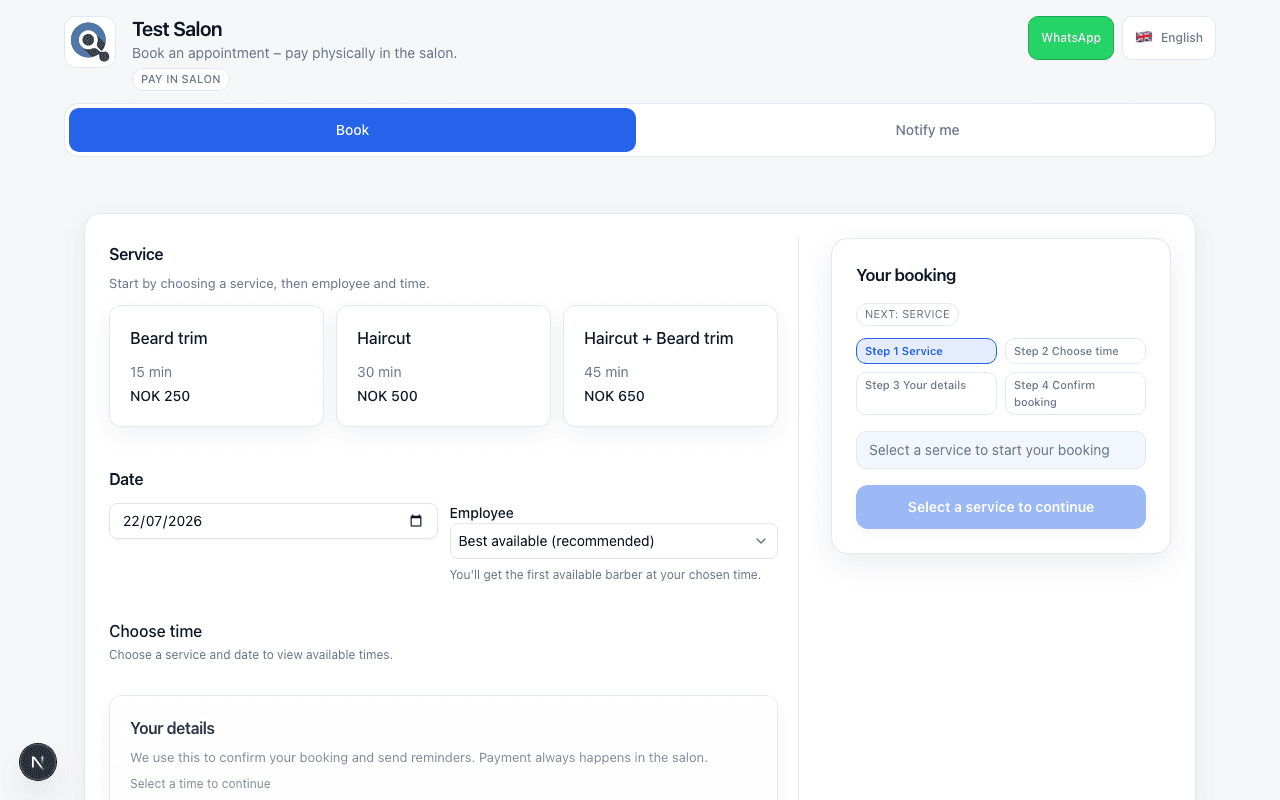
How customers book online
Walk the public /book flow: Choose service, pick time and staff, confirm details, and Pay in salon.
4 min · Updated Jul 22, 2026
Languages & policy
2 guides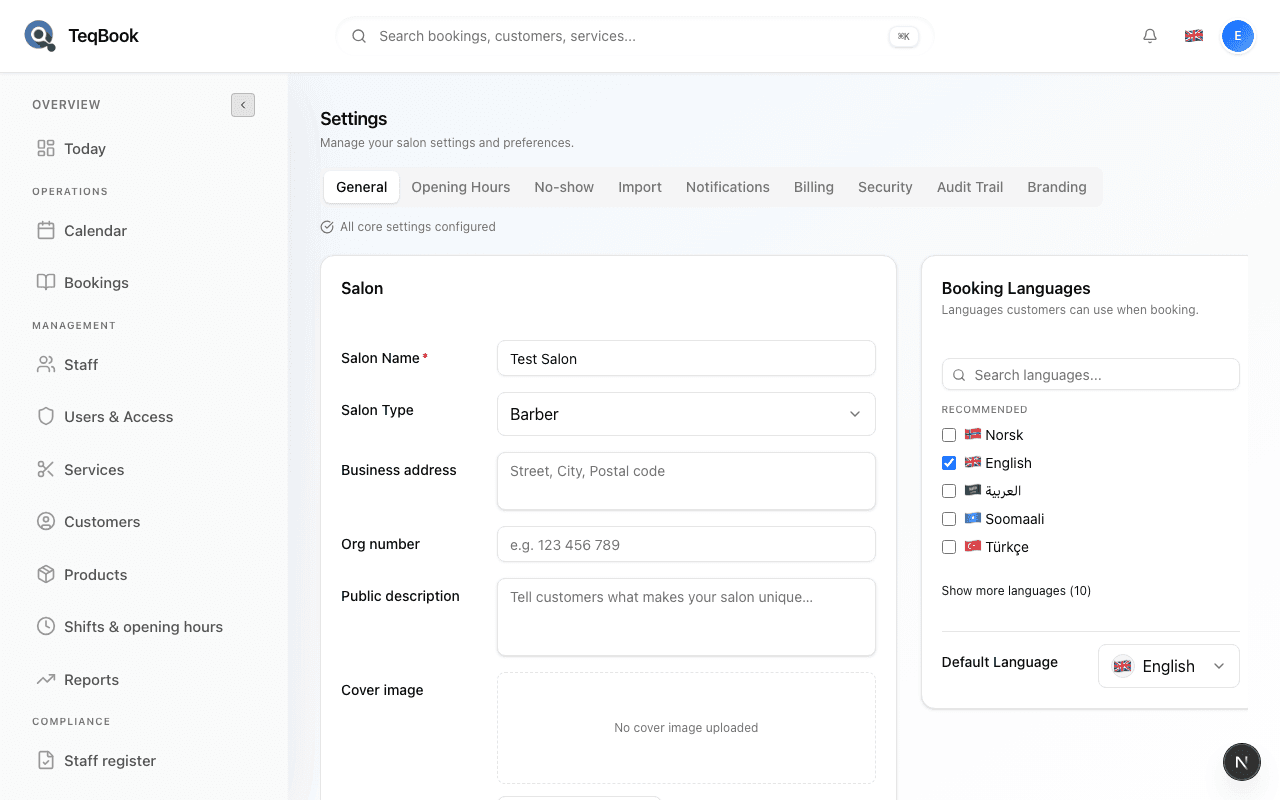
Public presence
2 guides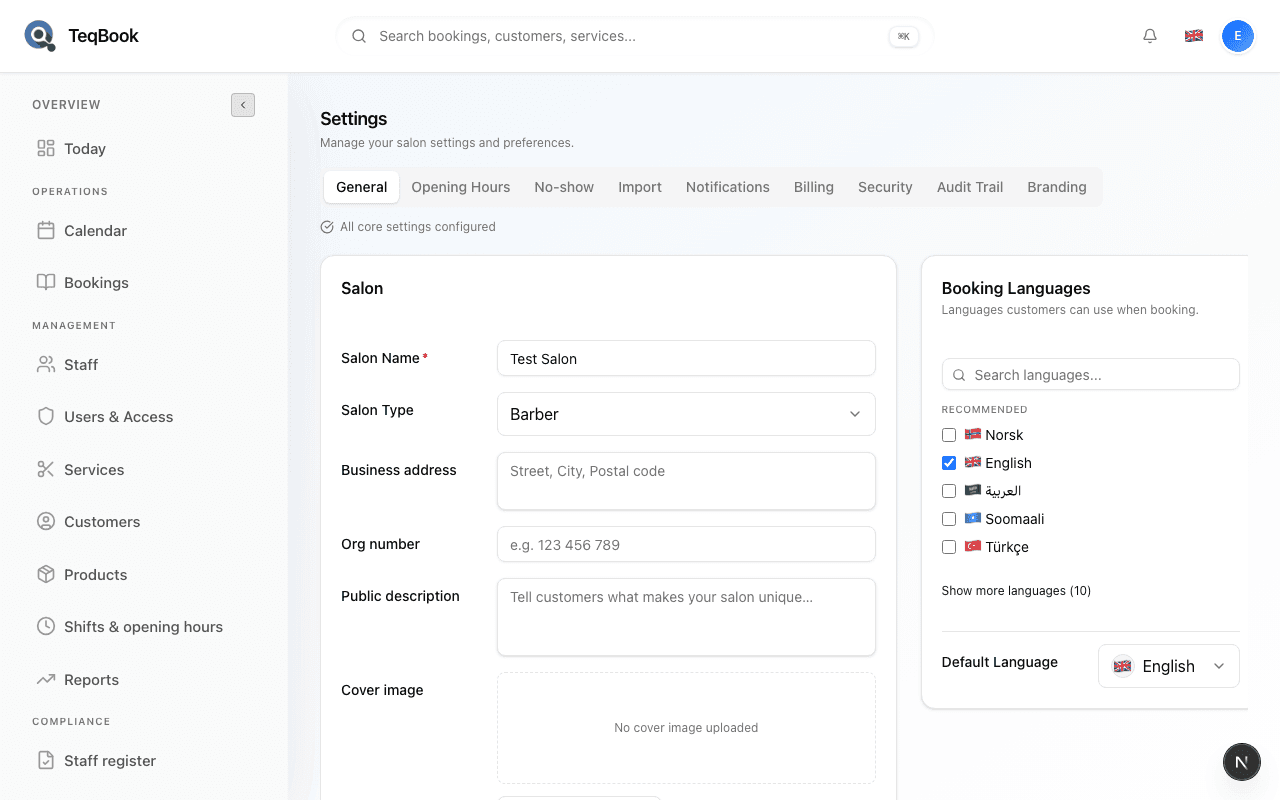
Aftercare & risk
2 guides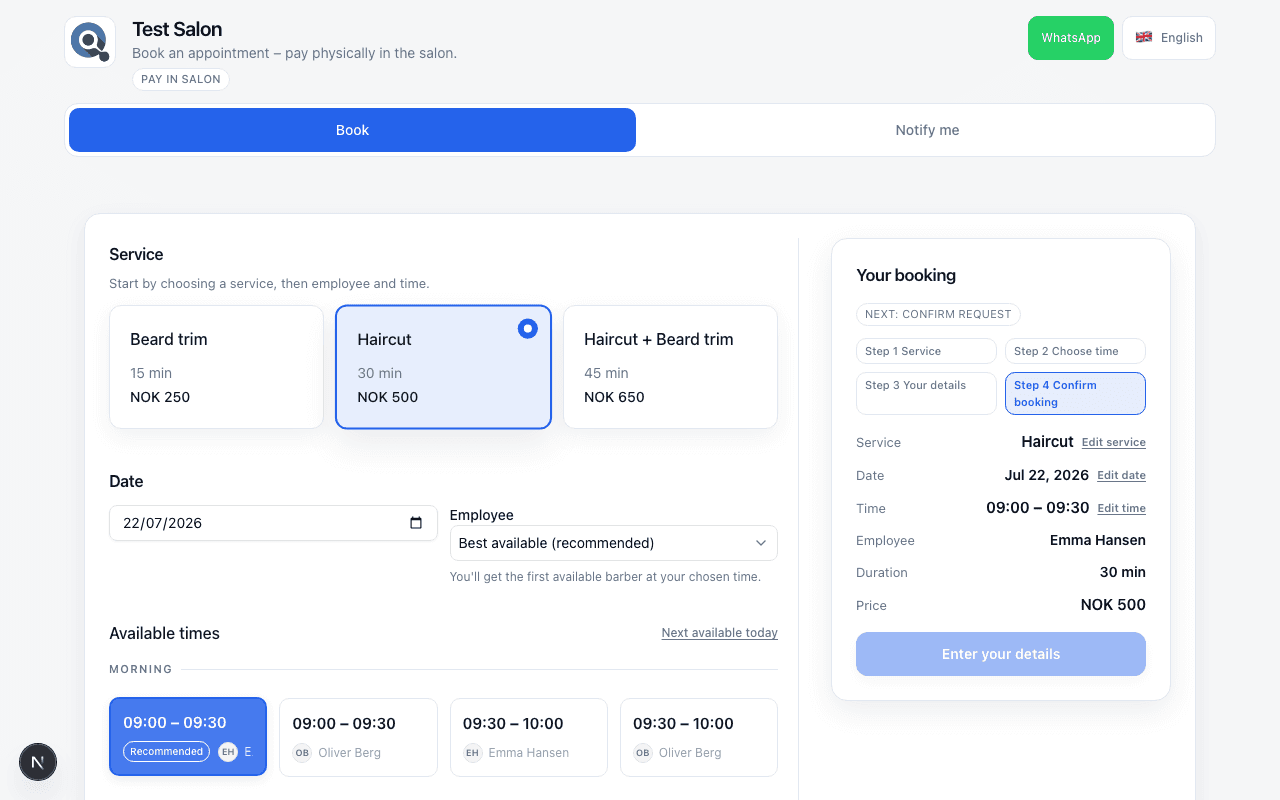
Customer cancel or reschedule online
How bookers cancel from confirmation, and how they respond to salon reschedule proposals.
4 min · Updated Jul 22, 2026
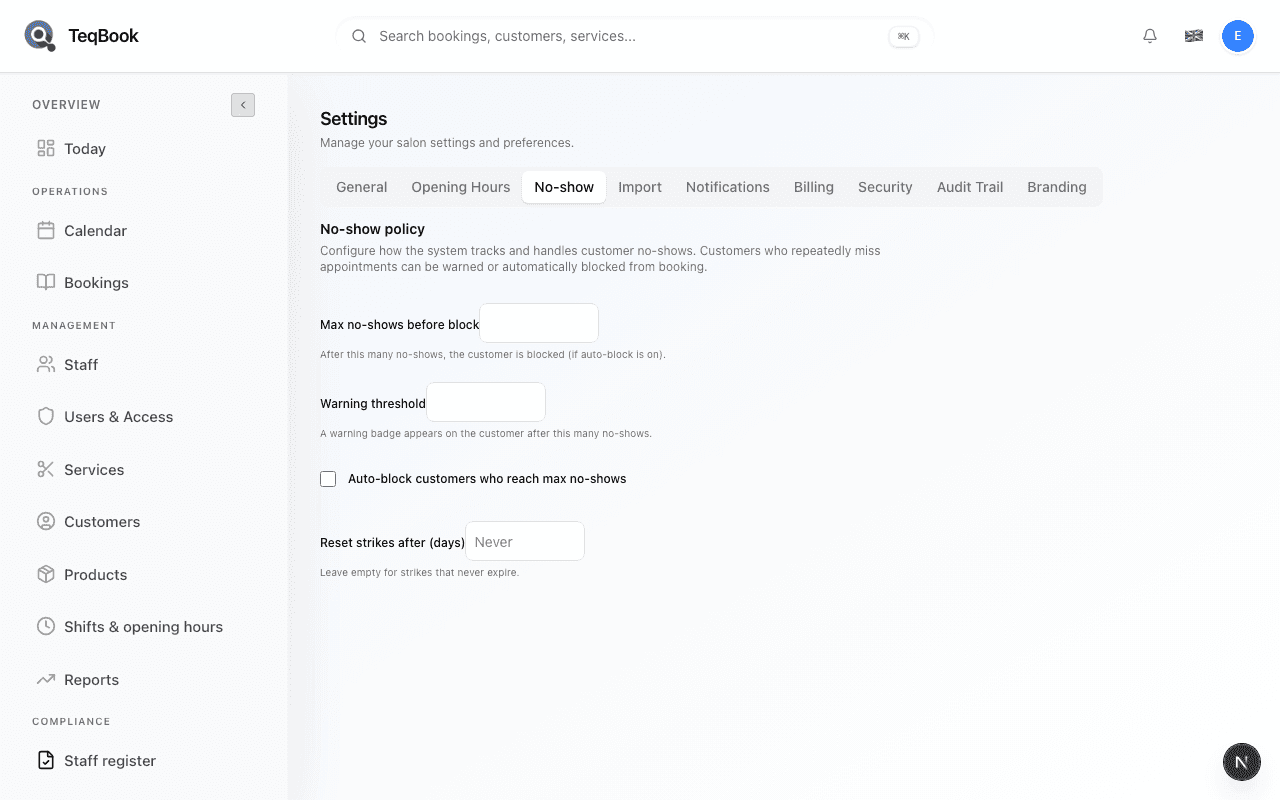
Configure no-show policy for public bookers
Open No-show policy controls and understand what they mean for online bookers today.
4 min · Updated Jul 22, 2026
Related topics
Still need a hand?
Tell us what you’re trying to do. We’re happy to help you personally.
Contact support