
Customers
Keep customer details, booking history, and important information easy to find.
- 7 guides
- Reviewed regularly
Start here
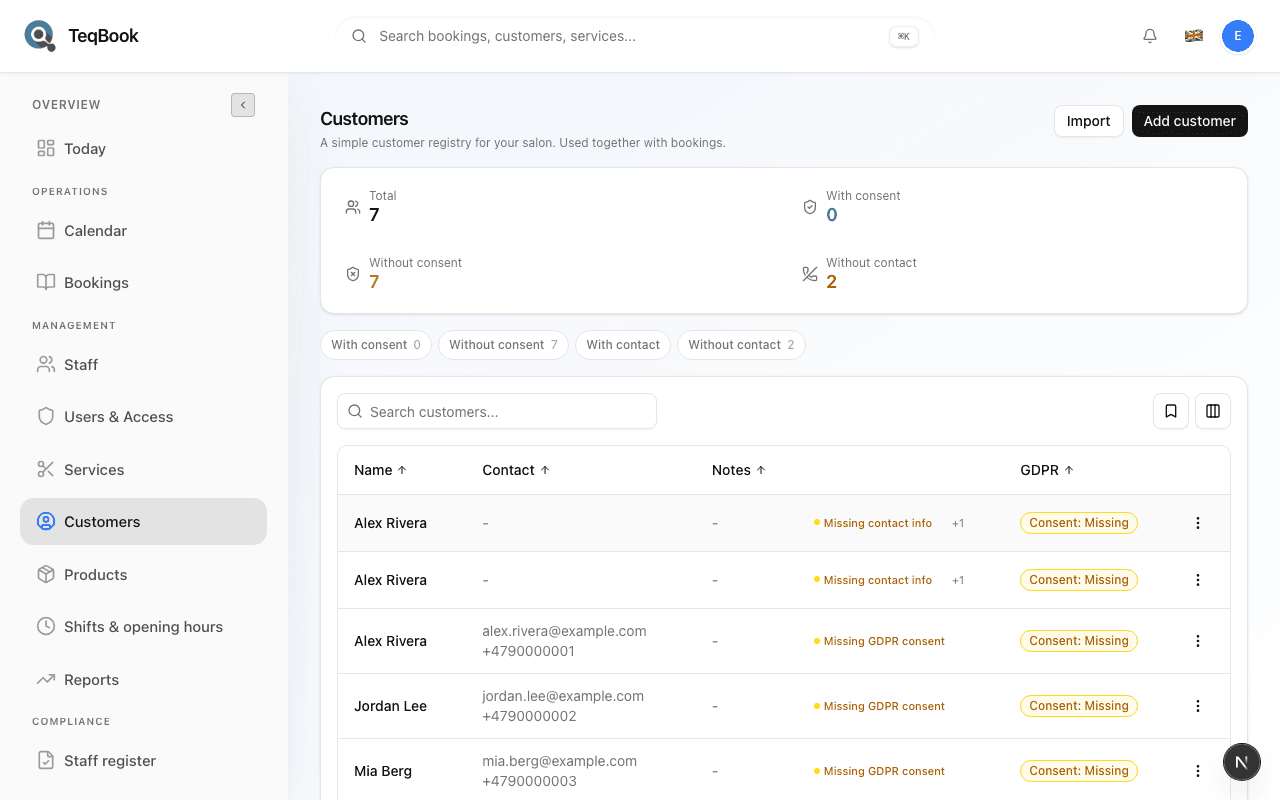
Find a customer
Open Customers, search the registry, and open a customer profile.
Add a customer
Create a registry person from Customers → Add customer with name, optional contact fields, and GDPR consent.
Filter customers
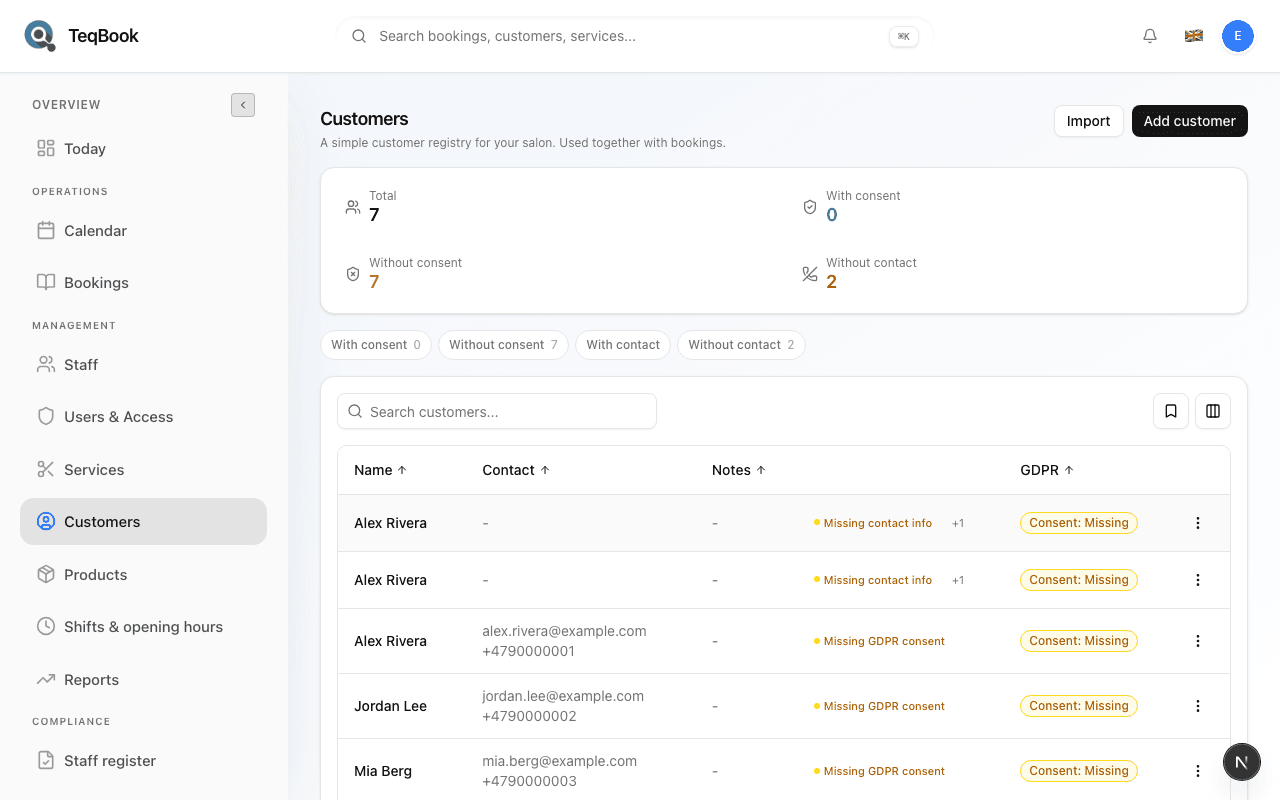
Use With consent, Without consent, With contact, and Without contact chips to narrow the Customers list.
Find & create
2 guides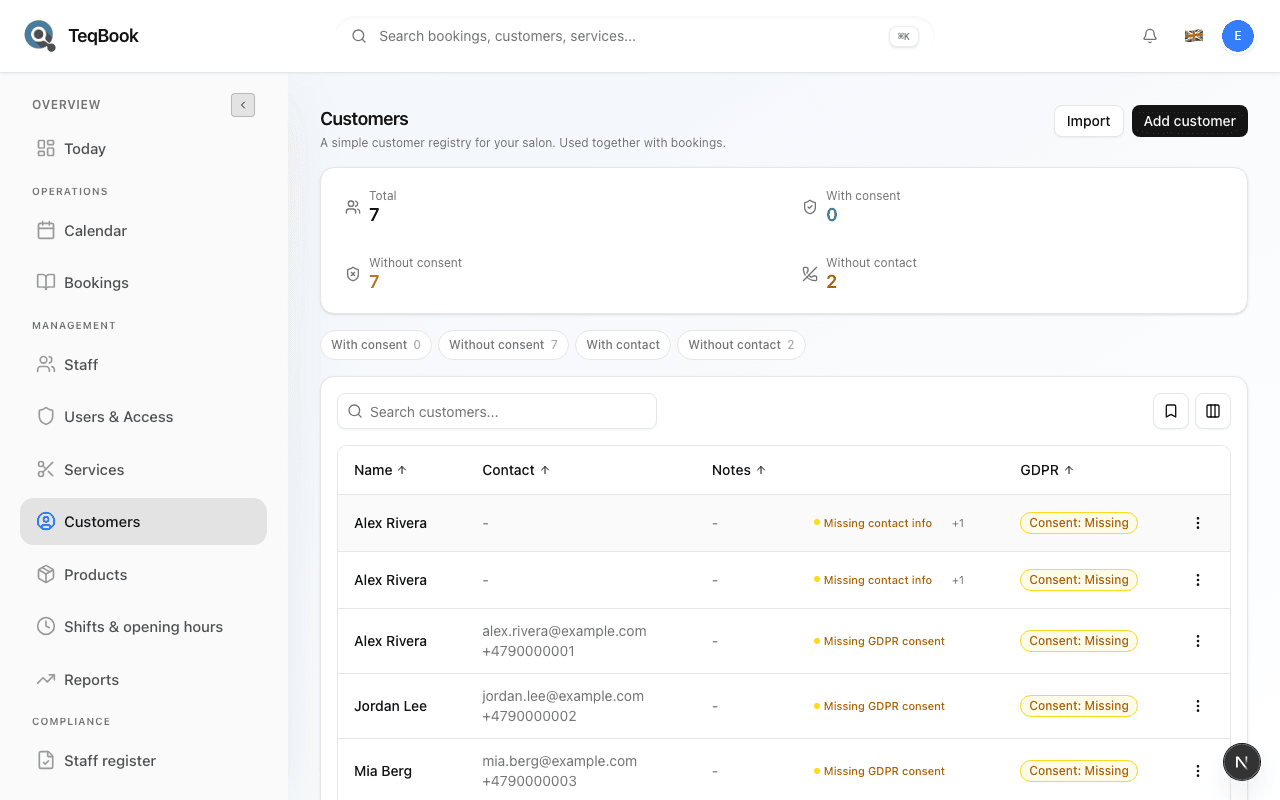
Edit & filter
2 guides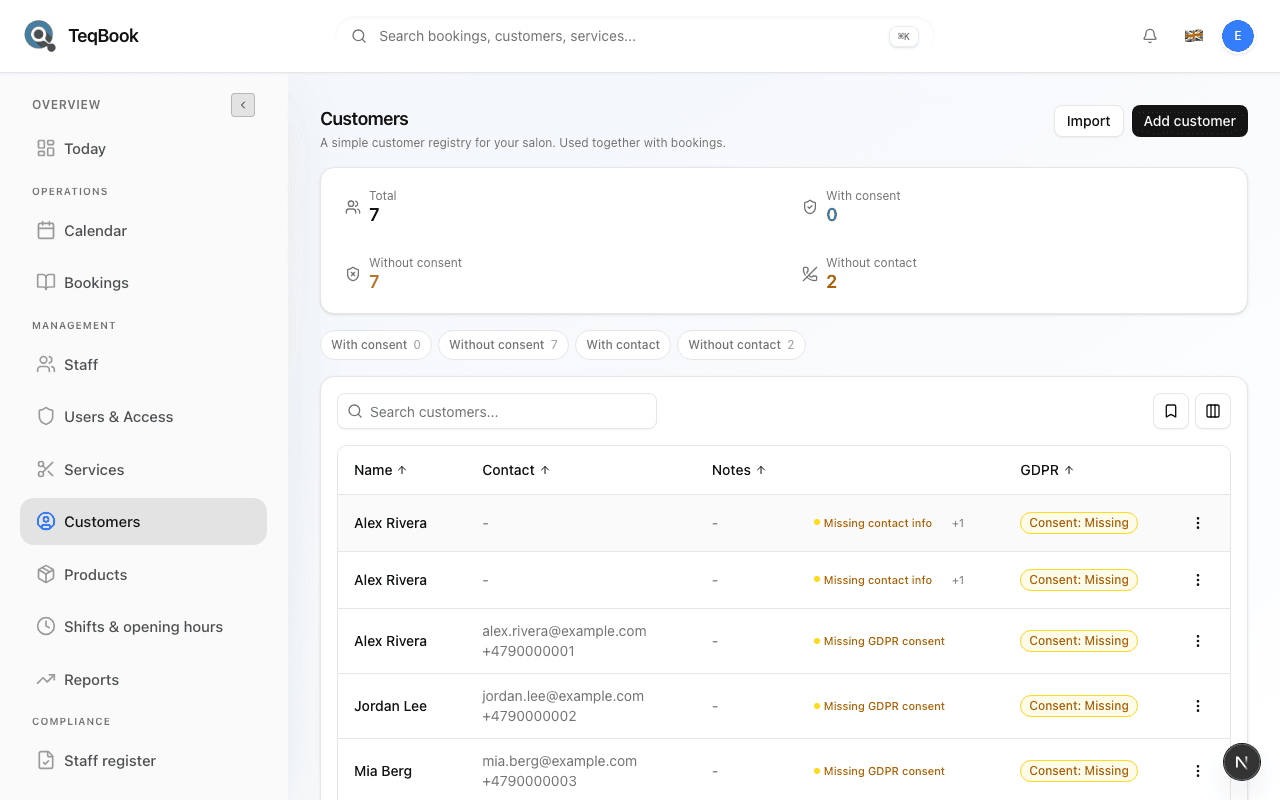
Filter customers
Use With consent, Without consent, With contact, and Without contact chips to narrow the Customers list.
2 min · Updated Jul 22, 2026
Edit a customer
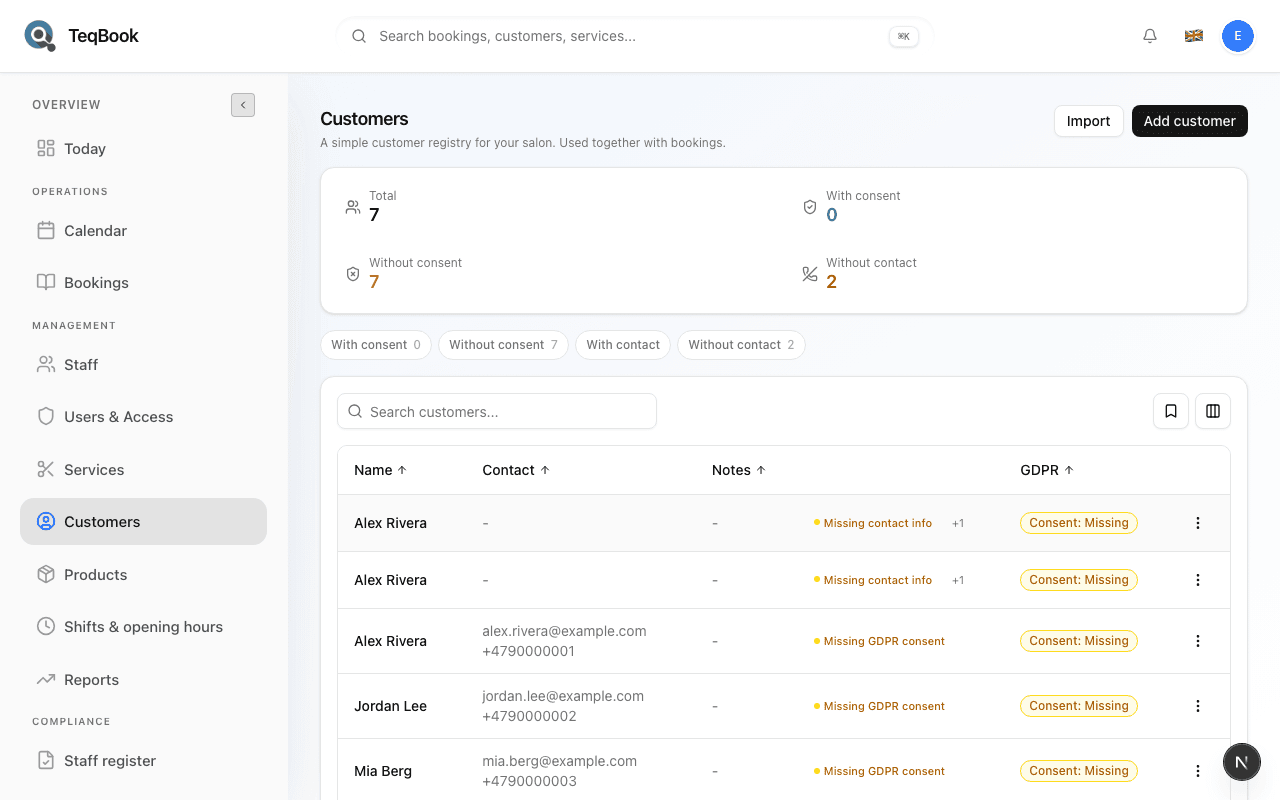
Update Name, Email, Phone, Notes, and GDPR consent on a customer profile, and copy contact details when needed.
3 min · Updated Jul 22, 2026
Consent & cleanup
2 guides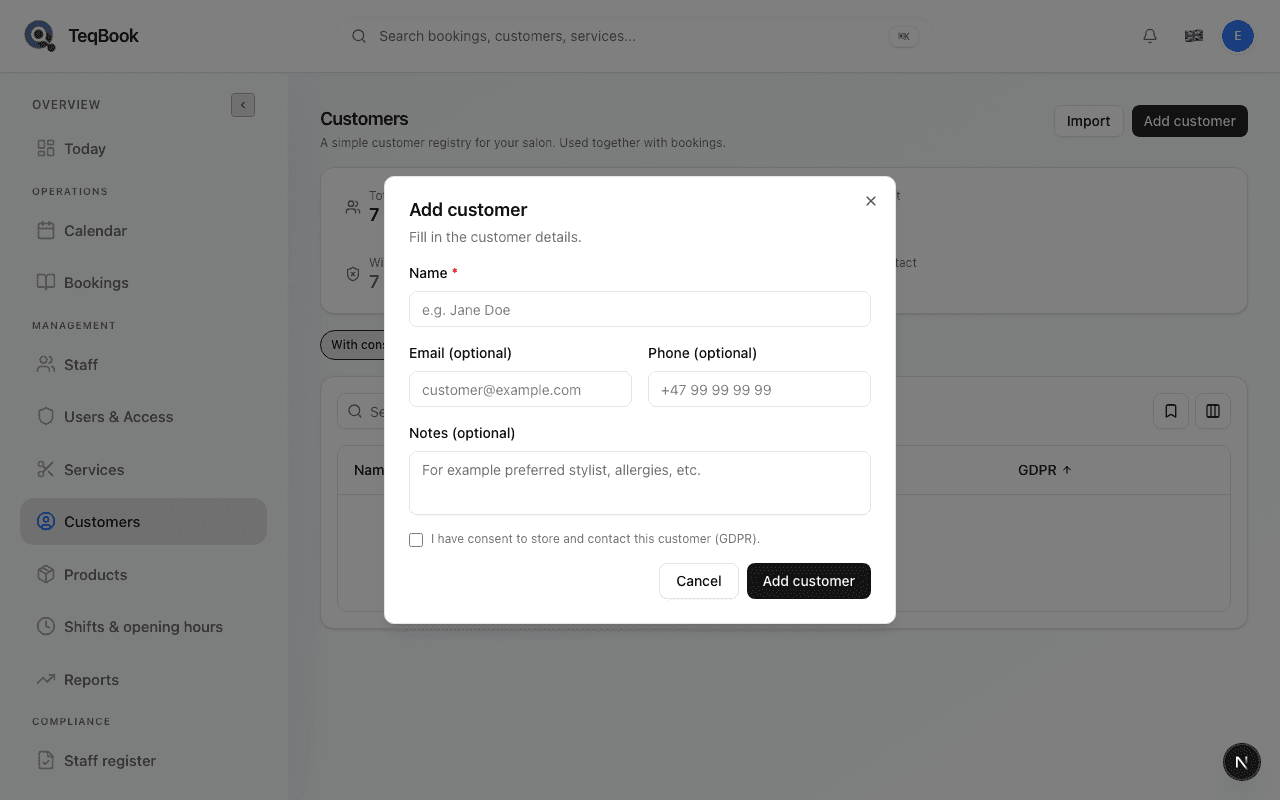
Manage customer GDPR consent
See where GDPR consent is recorded on Customers, how it appears in filters, and how to change the stored status.
3 min · Updated Jul 22, 2026
Delete a customer
Permanently remove a customer from the registry — a cleanup action, not a normal maintenance step.
3 min · Updated Jul 22, 2026
Import & history
1 guide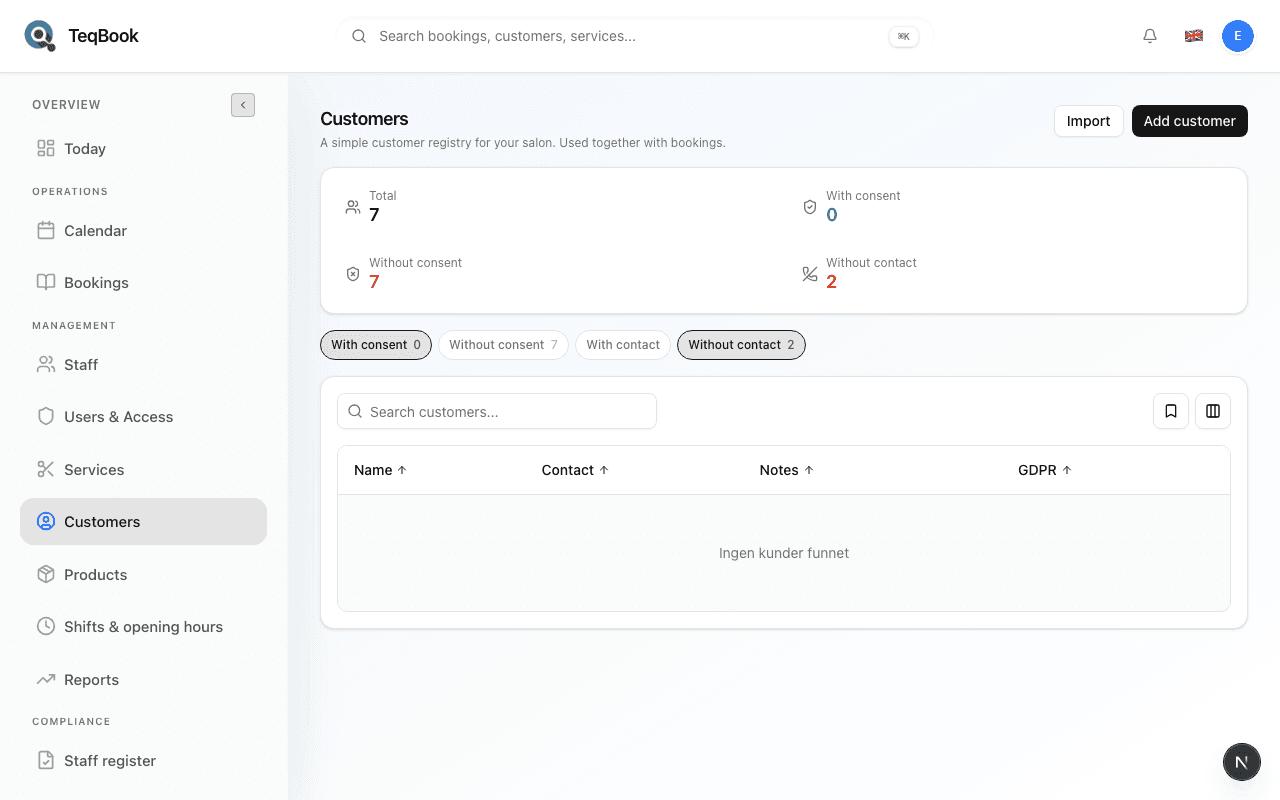
Related topics
Still need a hand?
Tell us what you’re trying to do. We’re happy to help you personally.
Contact support