
Users, access & security
Invite users, manage roles, control access, and keep your account secure.
- 6 guides
- Reviewed regularly
Start here
Manage users and access
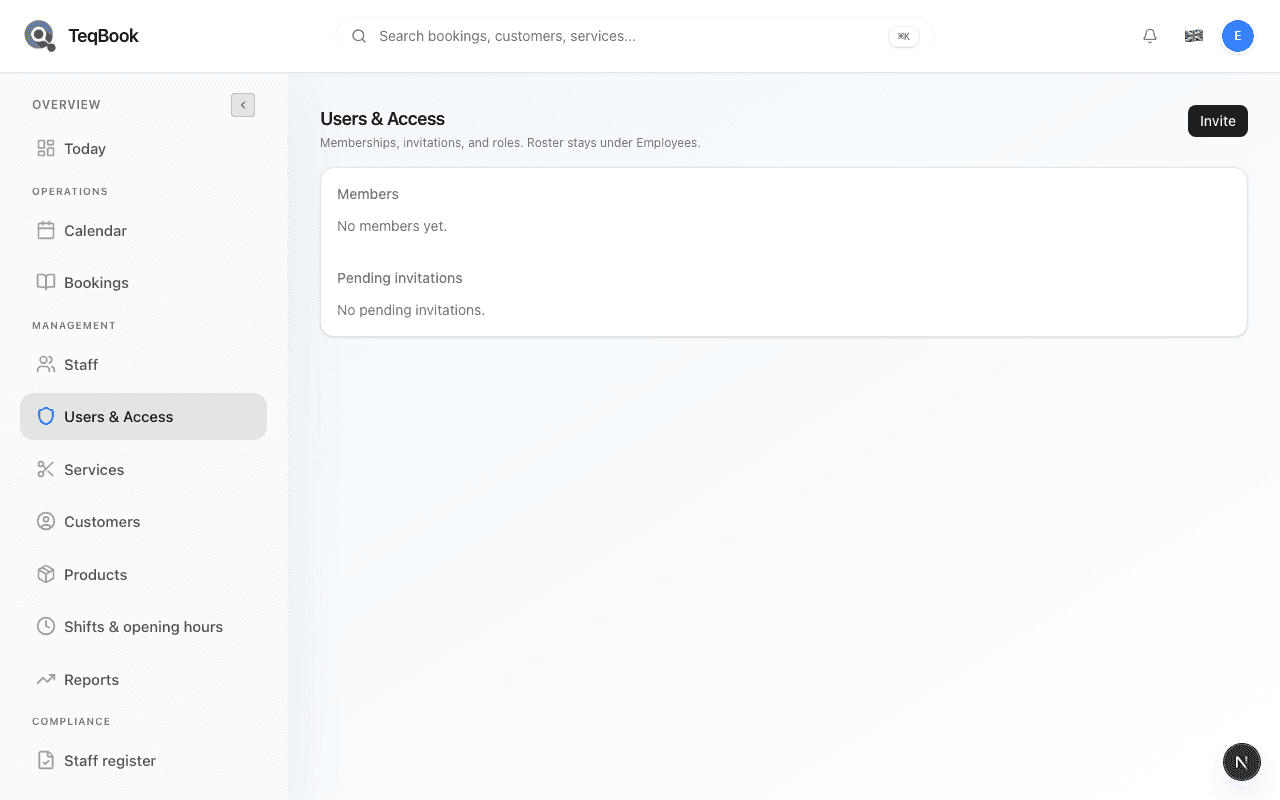
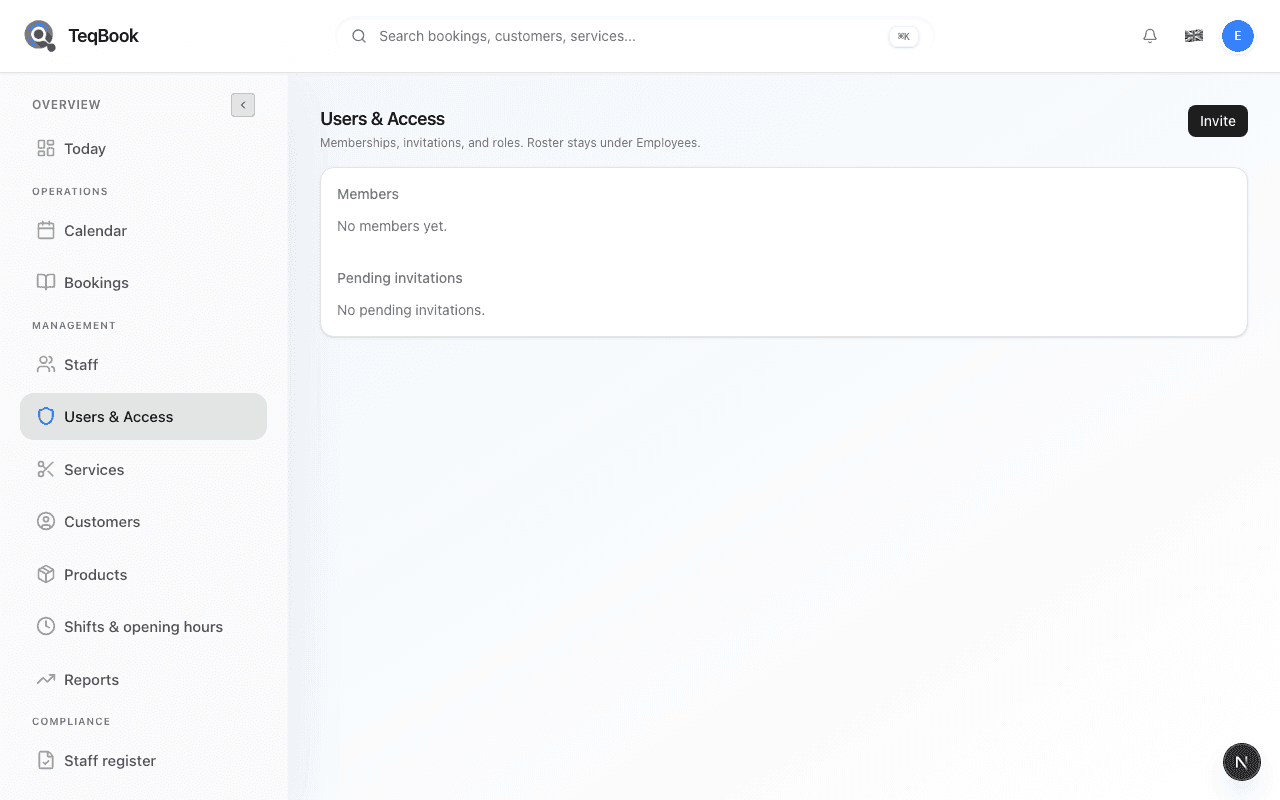
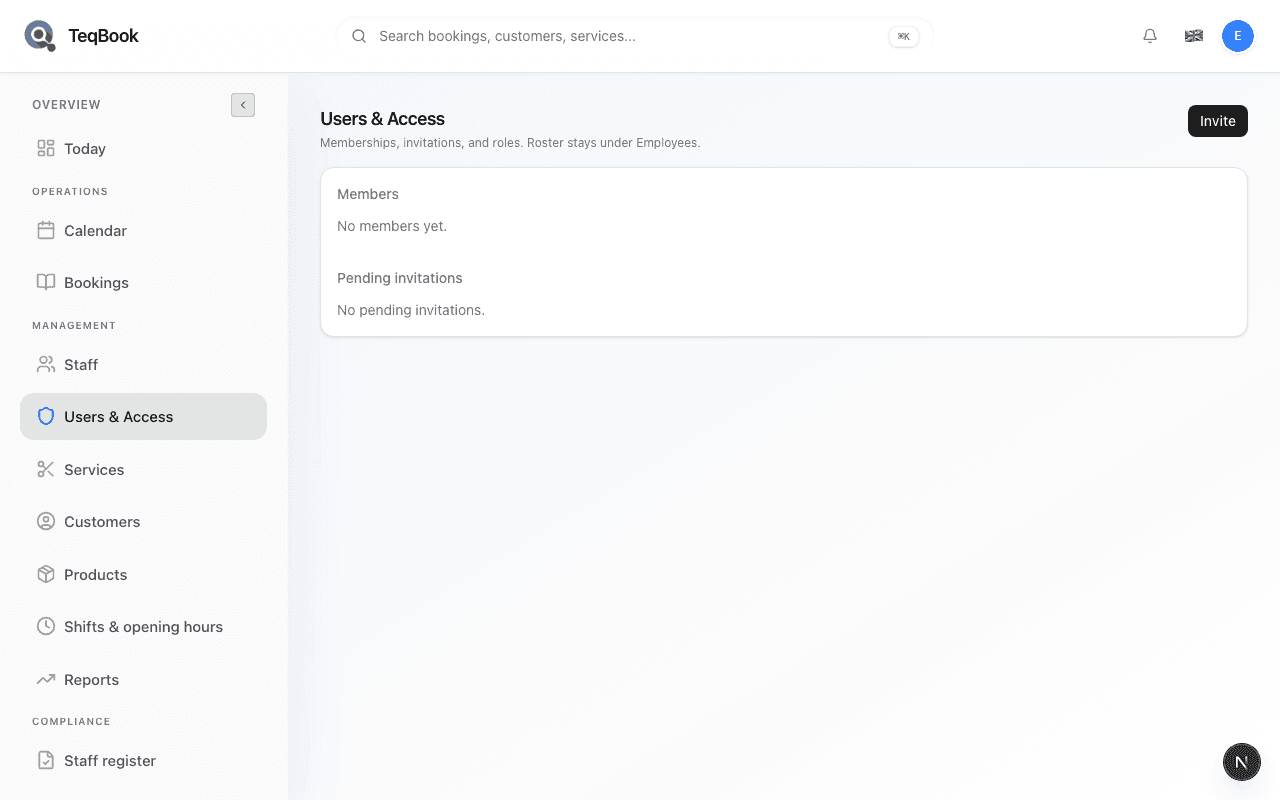
Open Team (TeqBook access view) to see members and pending invitations for your salon.
Understand login roles
Learn Users & Access login roles versus the optional Role field on the Employees roster.
Staff can't log in
Fix invite, email, and permission issues in Users & Access when someone cannot sign in.
Members & invites
3 guides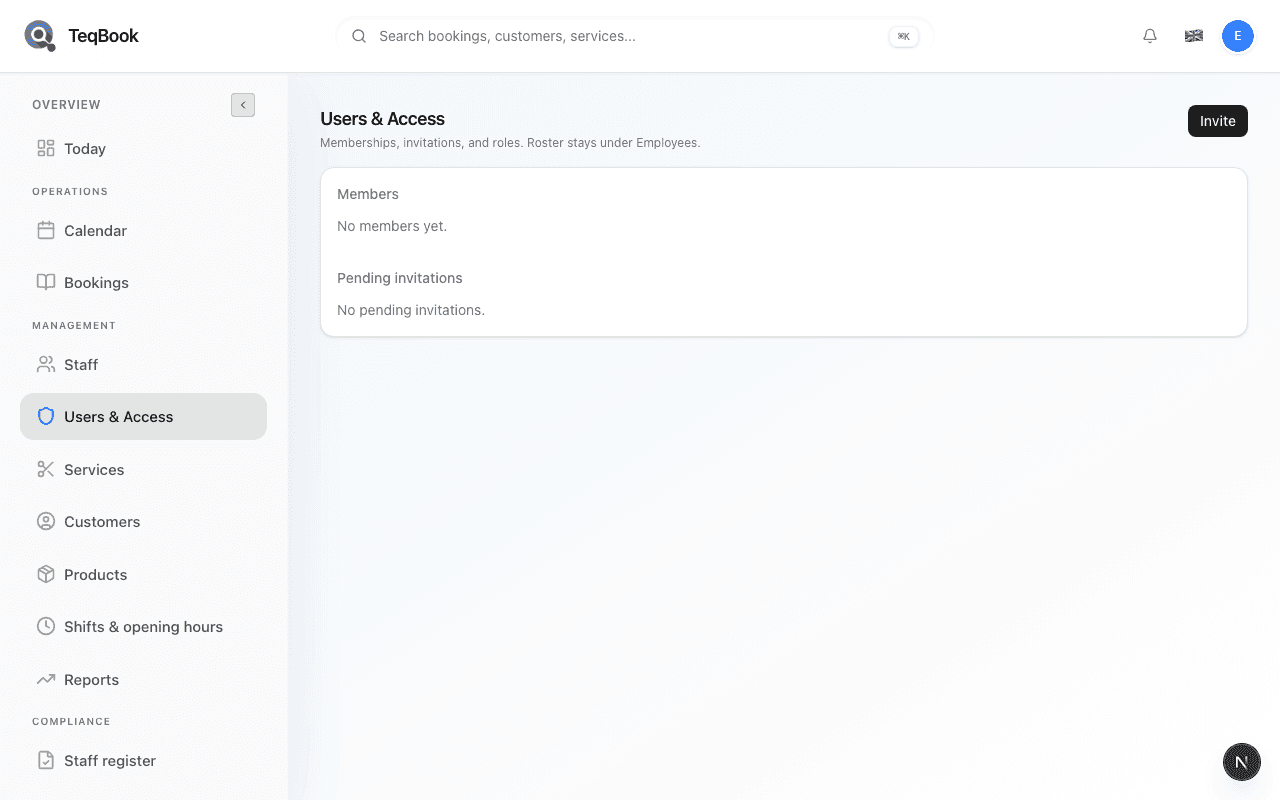
Manage users and access
Open Team (TeqBook access view) to see members and pending invitations for your salon.
4 min · Updated Jul 22, 2026
Resend or revoke an invitation
From pending invitations on Users & Access, resend the invite email or revoke access before accept.
4 min · Updated Jul 22, 2026
Staff can't log in
Fix invite, email, and permission issues in Users & Access when someone cannot sign in.
3 min · Updated Jul 22, 2026
Roles & lifecycle
3 guides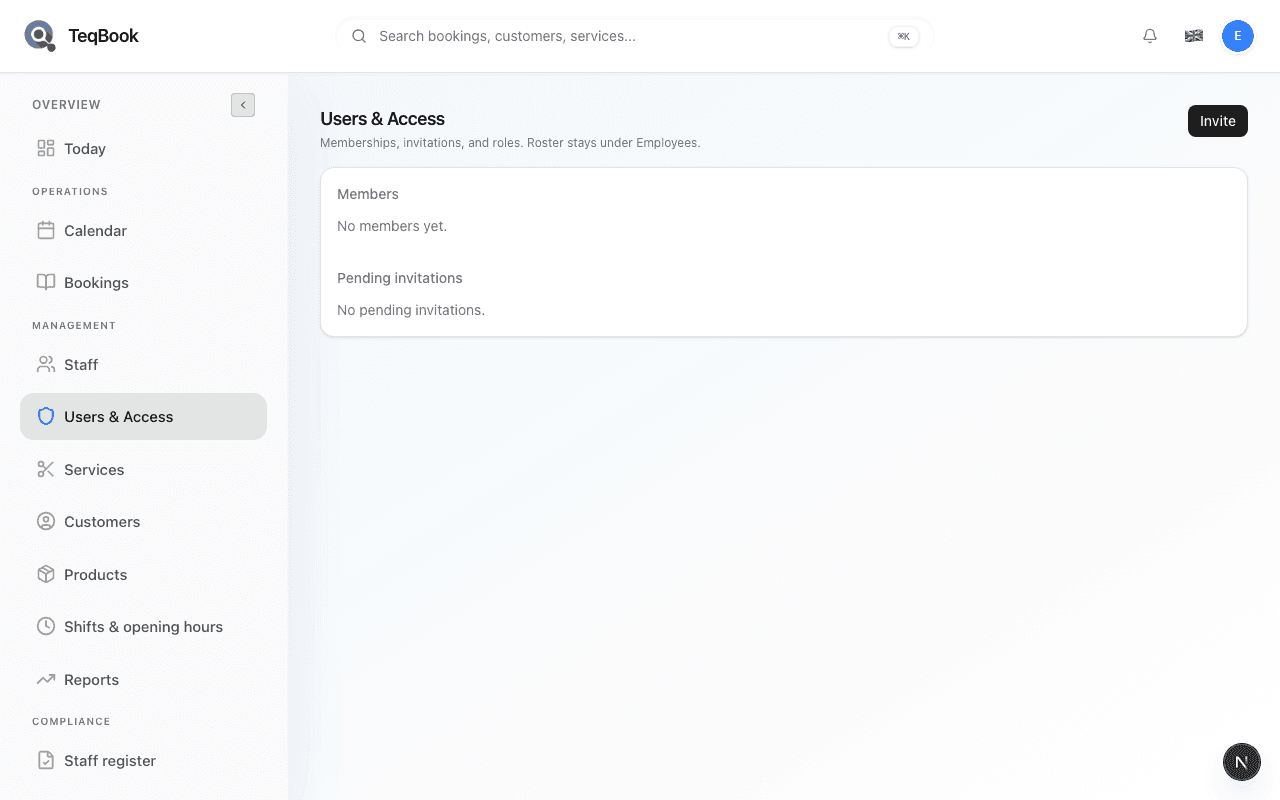
Understand login roles
Learn Users & Access login roles versus the optional Role field on the Employees roster.
4 min · Updated Jul 22, 2026
Change a member role
Owner-only: open Manage on a member, change role, and Save role.
4 min · Updated Jul 22, 2026
Suspend or remove member access
Owner Manage: Suspend, Reactivate, or Remove access without deleting the Employees roster row.
4 min · Updated Jul 22, 2026
Related topics
Still need a hand?
Tell us what you’re trying to do. We’re happy to help you personally.
Contact support